


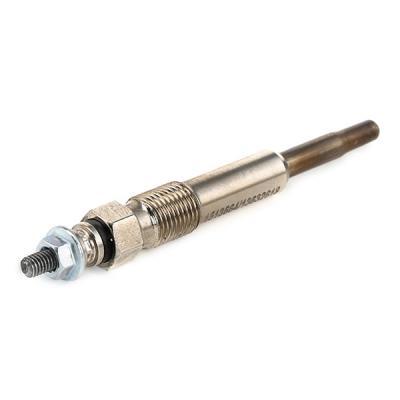
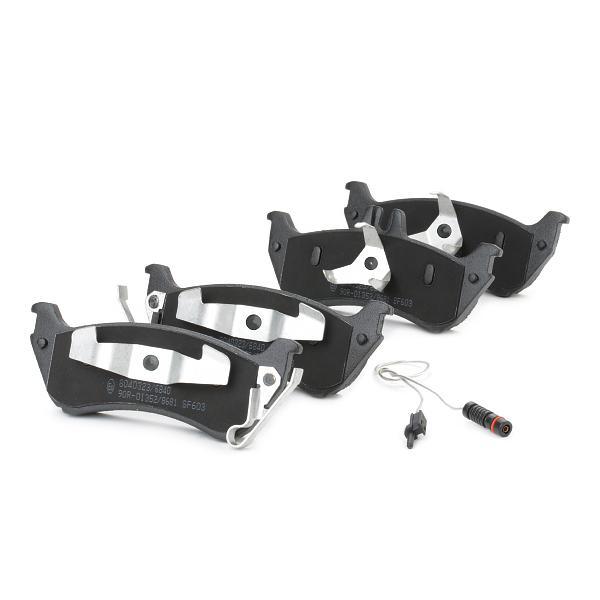
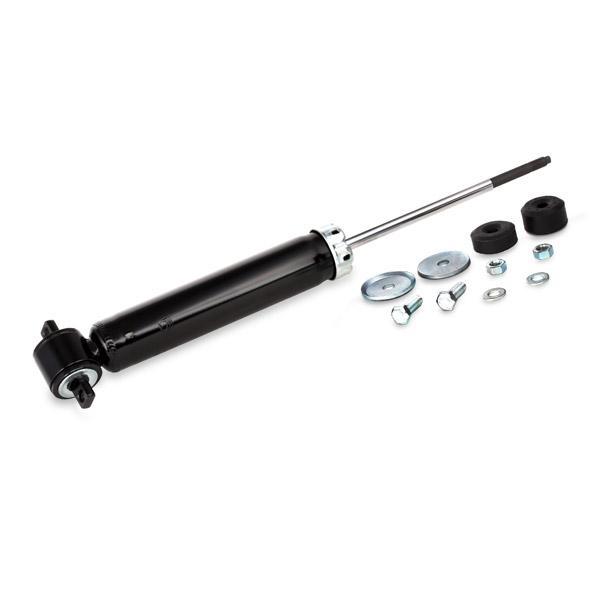
Ordering the wrong part is the most common mistake when buying car parts online, not to mention one of the most frustrating. Whether it is a brake disc that is 2 mm too small, a sensor with the wrong connector, or a filter that is almost, but not quite, the right shape, any of these issues mean a return, a wasted weekend, and a car that's still sitting in the driveway. At RIDEX, there are three reliable ways to confirm compatibility before you order.
Two cars from the same model year can have completely different parts
The engine variant, trim level, production date, and factory options all affect the fit. That's why the question, "Will this fit my car?" deserves a real answer, not a guess. Every method below helps narrow the catalogue down to parts compatible with your specific vehicle.
Three ways to confirm whether a part fits:
Car selector
VIN search
OE number lookup
How to use the car selector
The car selector is available on the left side of any category page. It works in three steps:
- Pick your make - for example, Volkswagen.
- Pick your model - for example, Golf VII.
- Pick your engine - for example, 1.6 TDI.
The catalogue instantly filters to parts that fit your car. Anything that doesn't match disappears from the list, so you only see options that work.
How to use VIN search to find the right car part
Your VIN - Vehicle Identification Number - is a 17-character code unique to your car. It tells the system exactly which engine, transmission, body type, and factory options your vehicle has, so fitment results are far more precise than make/model alone.
- Log in to your RIDEX account.
- Enter your 17-character VIN in the field on any category or product page.
- Click Check fitment. Compatible parts are labelled instantly.
If your VIN matches several variants - one VIN range often covered multiple engines or trims - you'll be asked to pick the correct one. Once selected, fitment labels appear across the listing.
On a product page, the same VIN field gives you a green light – or a clear not compatible warning – before the part goes in your basket.
Where to find your VIN:
- Driver-side door frame sticker
- Bottom corner of the windscreen (driver's side)
- Vehicle registration document or insurance card
How to use OE / OEM number search
Every part the manufacturer fits at the factory has an OE (Original Equipment) number - sometimes called an OEM number. If you already know that number, it's the fastest way to find an exact replacement.
- Find the OE number on the old part itself, in your owner's manual, or on a manufacturer's parts diagram.
- Type it into the search bar at the top of the page.
- The results show every part on RIDEX that matches the original equipment number, including aftermarket equivalents that can be significantly more cost-effective.
OE number search is ideal when you're replacing a specific component and want to be 100% sure of the spec.
What to do if fitment check returns no results
My VIN does not bring up any results
The VIN may be from a market we don't currently cover, or the part you're looking for isn't stocked for that exact variant. Switch to the car selector and choose your make, model, and engine – this often reveals compatible aftermarket alternatives.
A "universal" part doesn't seem to fit my car
Check the product specs, such as the size, connector type, and voltage, against your old part. If you used the car selector or VIN search, the system will have filtered out any clearly incompatible options.
Why do I need to be logged in to use VIN search?
VIN data is tied to your account so we can save your vehicles, record previous orders, and show your full fitment history.
Two cars from the same brand and model year can have completely different parts under the bonnet. Always confirm the fit using one of the three methods above before ordering; never assume compatibility based on the make and model alone.